How smart video fuels smart business
Learn how video solutions with intelligent analysis capabilities can help benefit your drivers and enhance your safe...
Download eBook
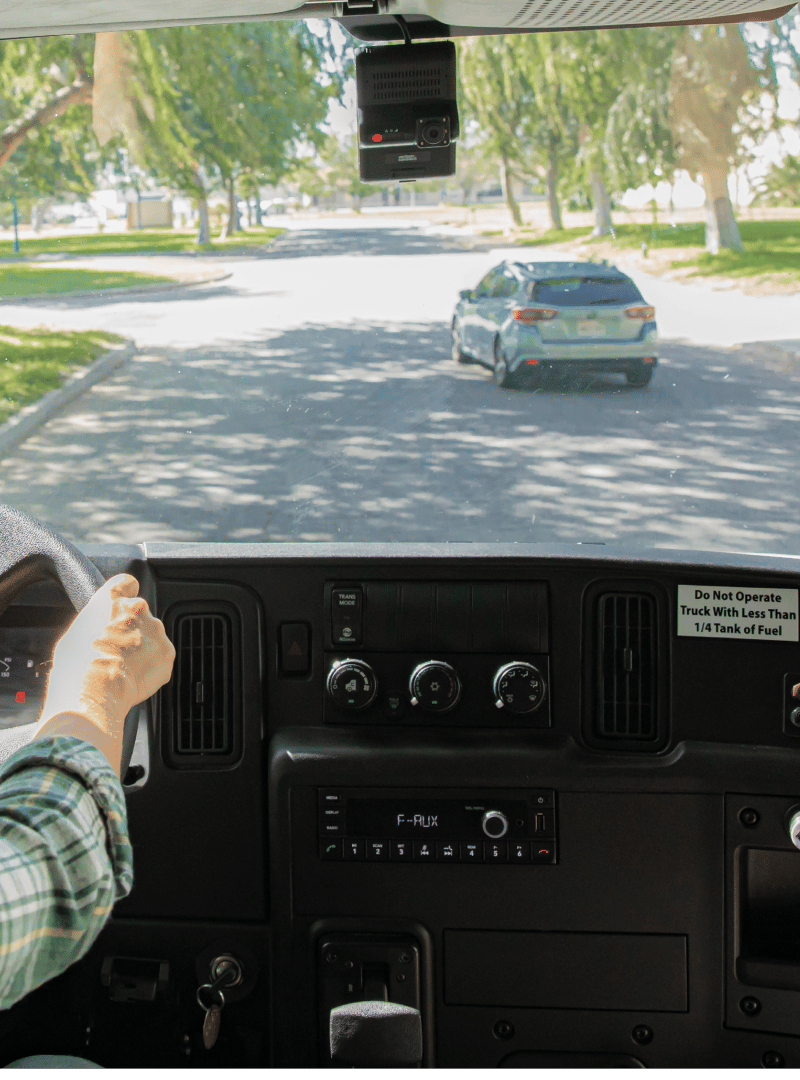
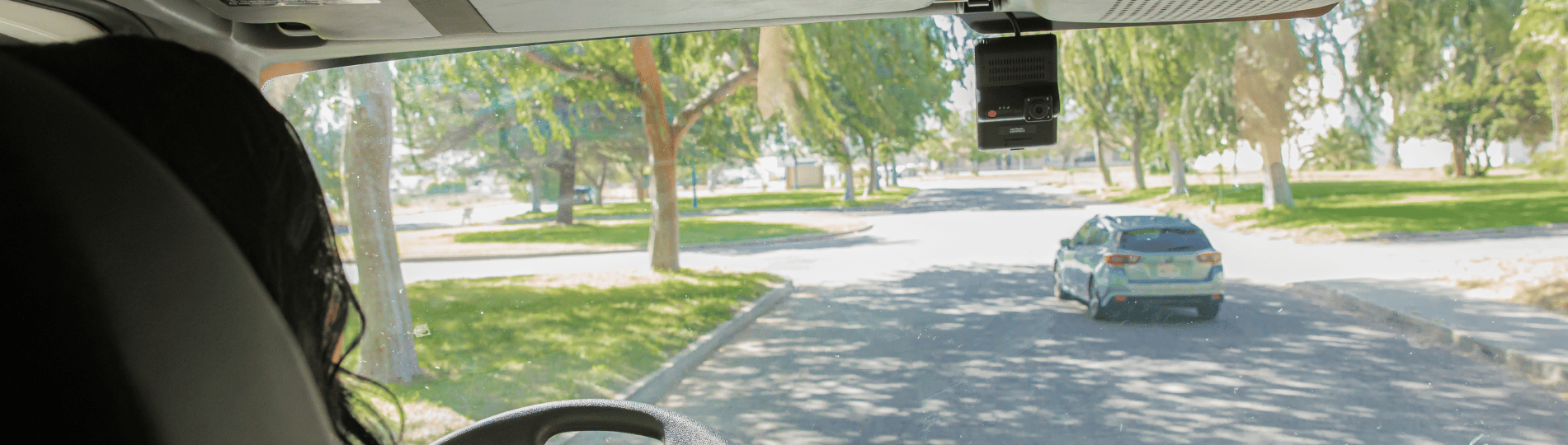
360-degree view
Increase your visibility with an in-cab monitor that shows rear and side camera footage to assist drivers when they’re backing up or turning. In addition, our cargo camera helps managers see what happens when shipments are damaged.
Visibility
Safety
Risk and liability
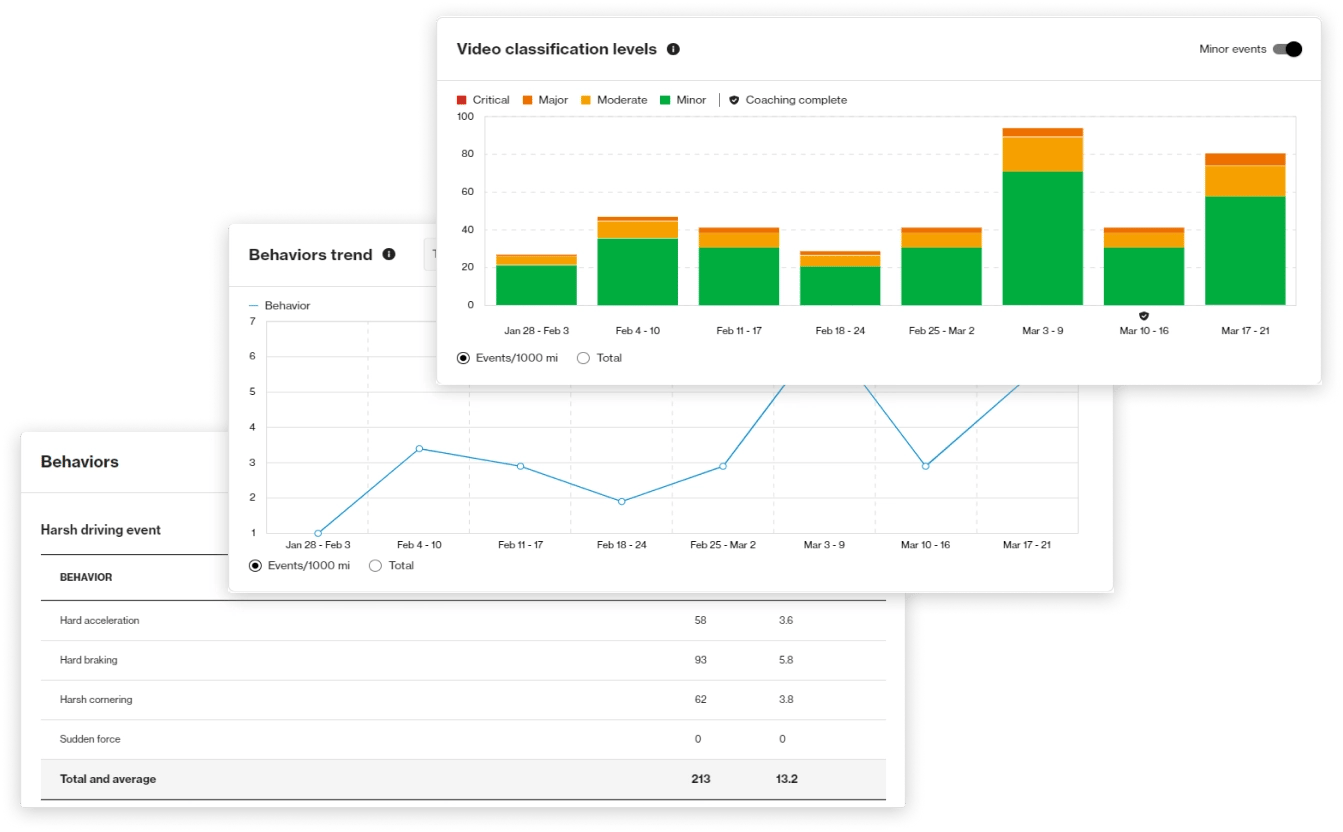
Coaching insights
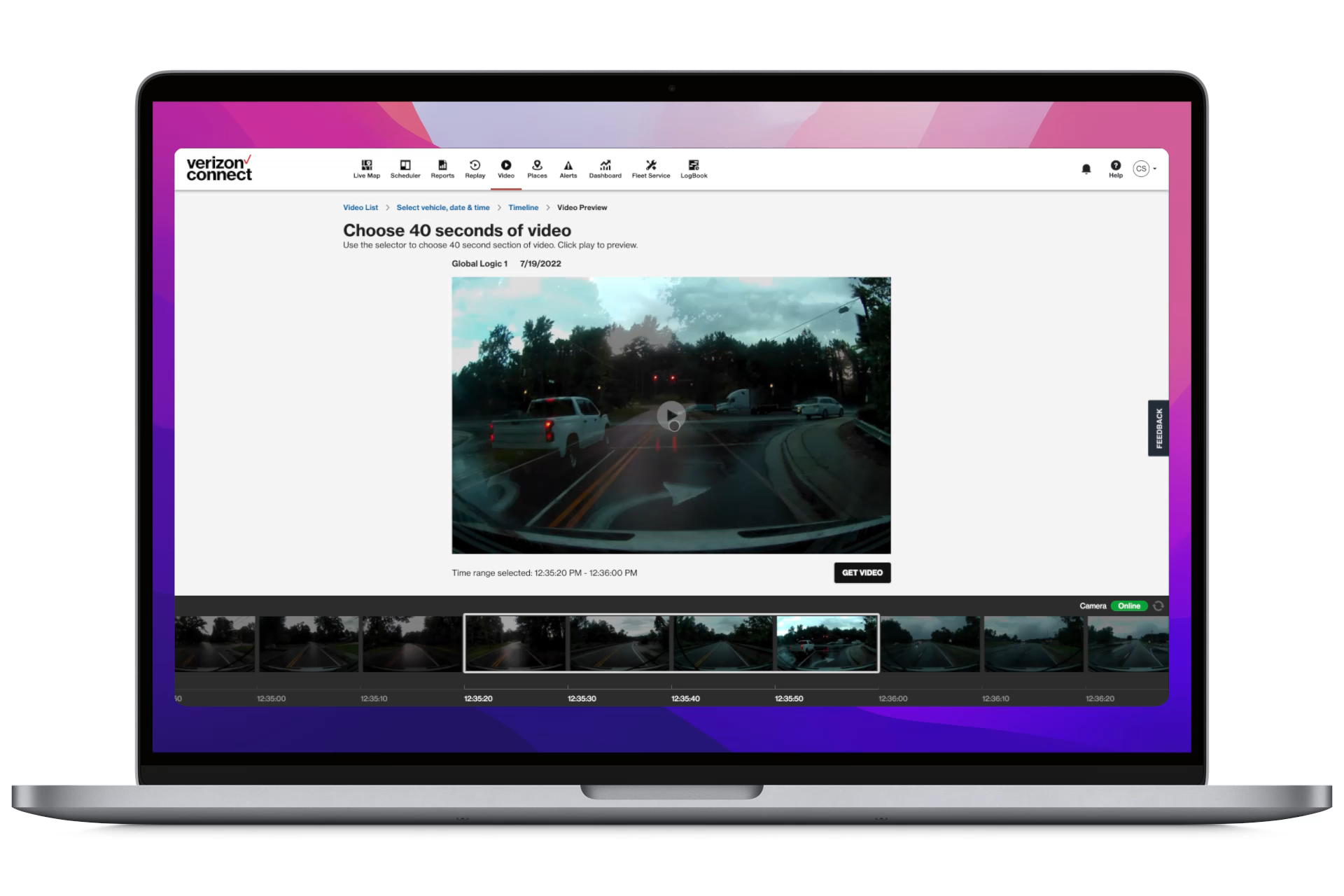
Reliability



Learn how video solutions with intelligent analysis capabilities can help benefit your drivers and enhance your safe...
Download eBookDiscover five ways you can use video telematics to coach drivers for your fleet.
Download eBookLearn how adding AI fleet dashcam technology to your business can encourage safer driving, reduce accidents, and more.
Download infographicLearn about Verizon Connect’s new AI-powered smart dashcam solution in this brochure.
Download brochureCase study







Dash cams work by continuously recording video of the road ahead while the vehicle’s ignition is on. They are generally powered by the vehicle’s power source and save the recorded video to an internal storage device (SD card) to later be accessed manually.
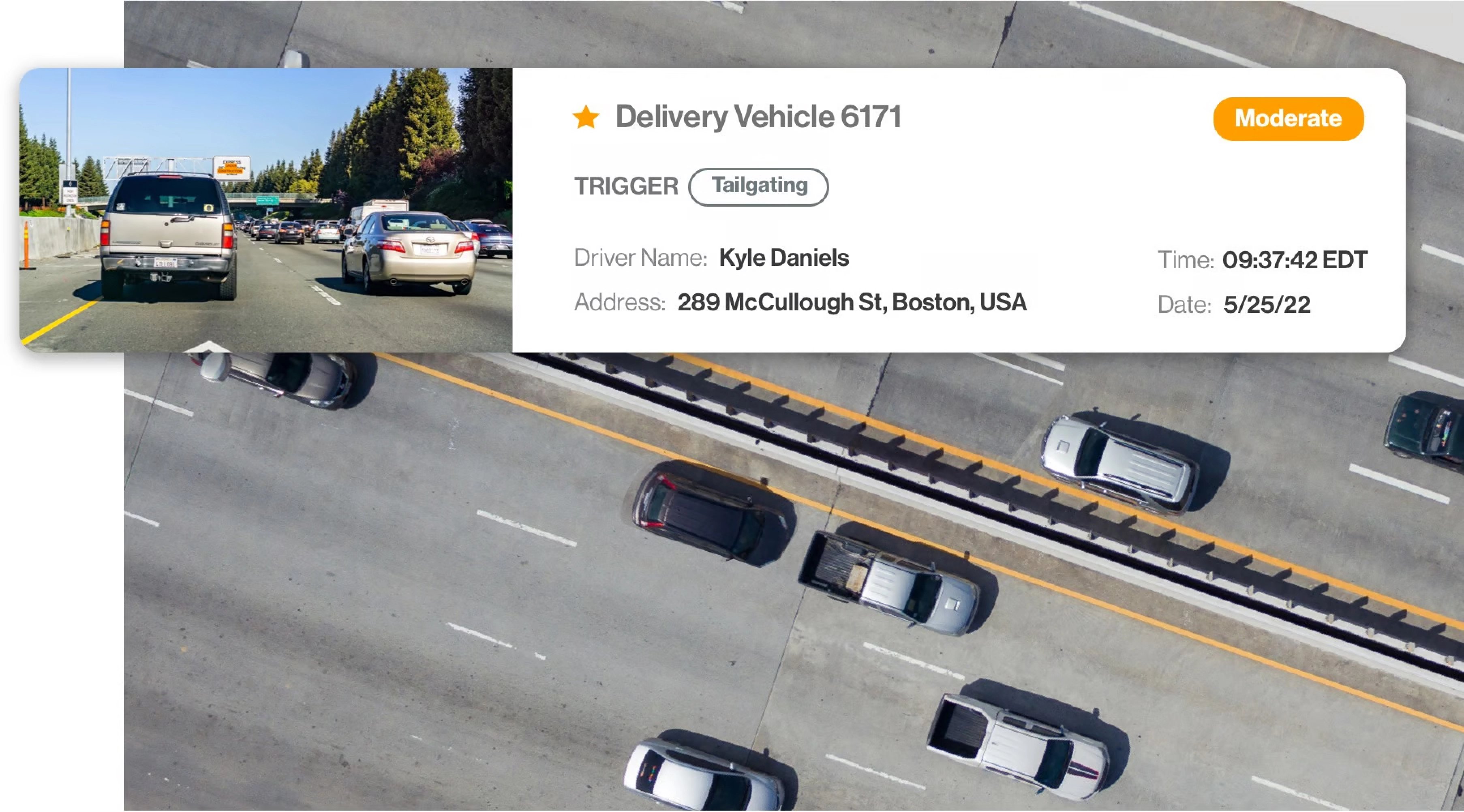
AI Dashcams, take recording a step further. They utilize artificial intelligence to analyze road conditions and driver behavior. The AI technology functions by evaluating real-time footage of your drivers and other road users. It will immediately alert the driver and fleet managers about any unsafe driving behavior, such as speeding, harsh braking, or tailgating. Learn more about what triggers a video recording event.
No. Currently, our fleet camera systems do not offer live streaming. Our AI Dashcam provides fleet managers and business owners with notifications for risky driving behaviors or dangerous driving events, so they don’t have to sift through hours of footage.
Yes. The dash cams will continue to provide in-cab alerts to drivers when they are in limited or no cellular coverage and event footage will be cached on the dashcam. Once connectivity is restored, the videos will be sent to the platform and available for viewing.
Yes. The dash cams use natural ambient light in the environment plus artificial light from streetlights and a vehicle’s headlights. These light sources along with the dash cams’ high-definition imaging combine to provide clear footage that’s optimized for low light conditions.
There are several ways you can view dash cam footage. You can request on-demand videos for a specific date and time, view footage on the Integrated Video app or pull footage directly from your dash camera’s SD card.
Videos of unsafe driving events are typically available on the Verizon Connect fleet management platform within minutes of the event. After a risky driving event is uploaded, a notification is sent to a manager, who can review the footage and decide if safety coaching is needed. The fleet dash cam video is available to download for 90 days.
This real-time detection and availability of potentially dangerous driving events is facilitated by the advanced Artificial Intelligence - AI Dashcam. The AI Dashcam uses cloud-based AI to analyze the video footage for severity and tag it with context, so managers know what is important and actionable to improve driver safety.
An event-triggered video clip is available to view and download for 90 days from when it was uploaded to the platform.
Yes. You can request on-demand videos as long as the footage is available on your SD card (learn how to get videos from an SD card).
You can preview the footage you need in the fleet management platform and submit a request. Within minutes, you’ll receive an email containing your requested clip.
You can self-install the dash cams, or Verizon Connect can schedule a professional to come out and install the fleet camera system for you. The hardware should be mounted on the inside of the windshield behind the rearview mirror on most vehicles.
A Dual-Facing AI Dashcam has both driver-facing and road-facing cameras. It uses AI technology to analyze driving behavior and provides real-time alerts to drivers for potential risks. Find the procedures on our online Installation guide:Dual-Facing AI Dashcam.
Road-Facing AI Dashcams have a road-facing dash cam and ultilizes AI technology to analyze the road ahead. Fleet dash cams provide clear video evidence in case of accidents or disputes. This can be crucial in protecting the driver and the company from false claims or liabilities. Installation of a Road-Facing AI Dashcam can be found here in on our online Installation guide:Road-Facing AI Dashcam.
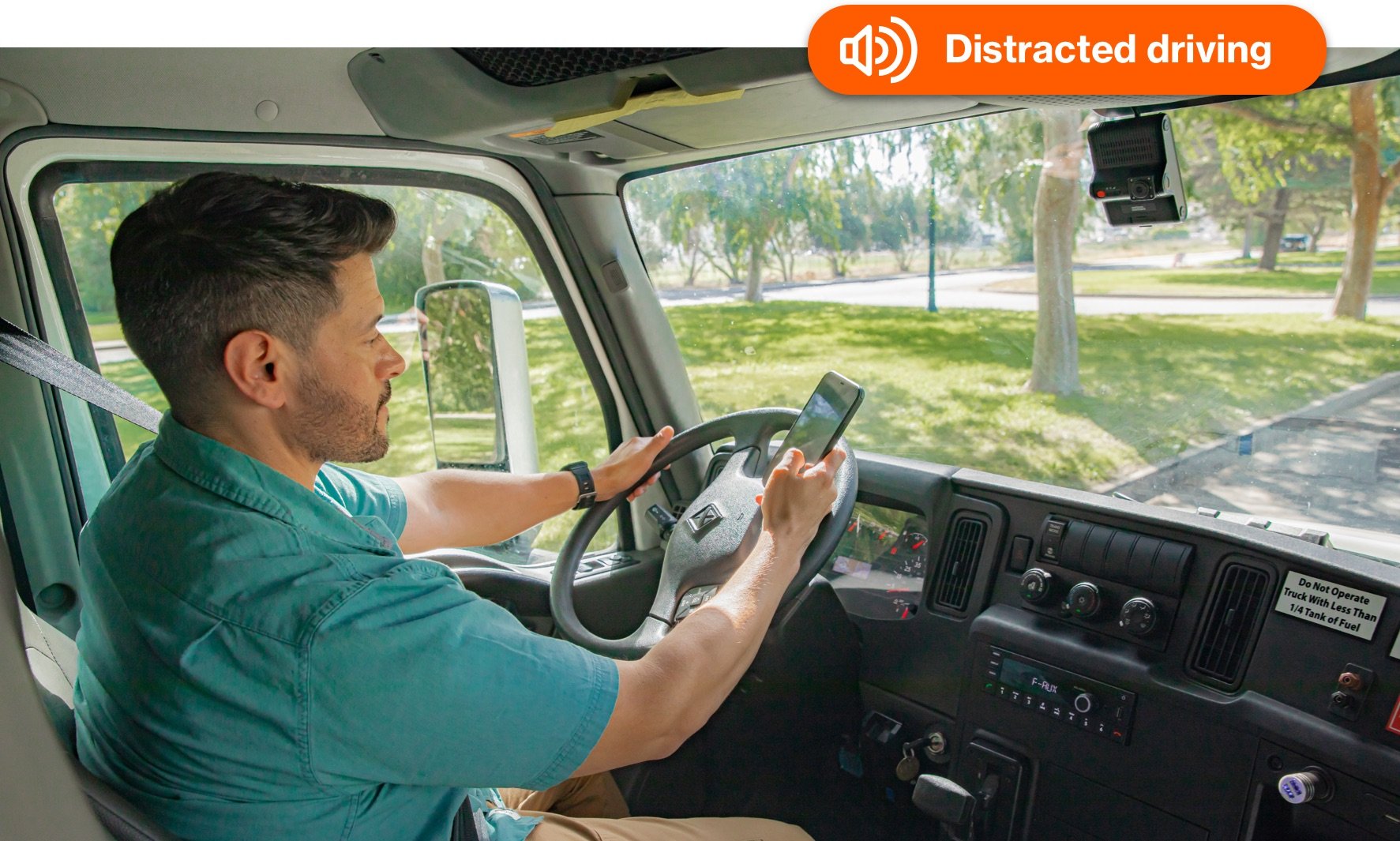
The Driver-Facing AI Dashcam can be installed to help reduce distracted driving and drowsy driving. Installation of a Driver-Facing AI Dashcam generally involves mounting the device on the windshield, connecting it to the vehicle’s power source, and setting it up with the relevant software. Follow our online Installation guide:Driver-Facing AI Dashcam.
.png?w=640&height=undefined,&q=75&auto=webp)